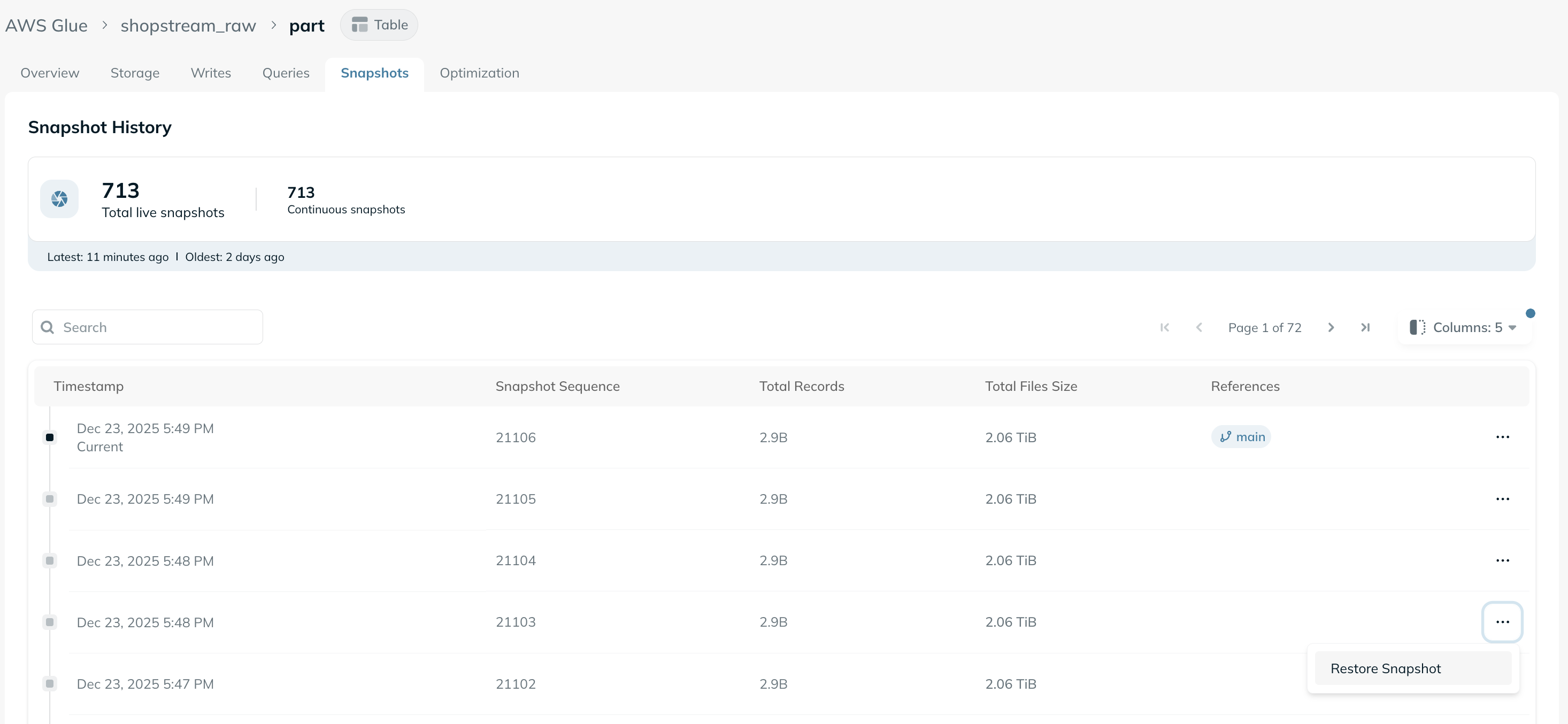
- Lineage-safe restores only - A snapshot can be restored only if it is an ancestor of the current snapshot. Snapshots outside the current lineage may reflect incompatible schema or metadata changes, so they are visible but not restorable.
- Restore cooldown - After a restore completes, Ryft enforces a short cooldown of 10 minutes before another restore can run. This prevents overlapping or accidental repeated restores. Once the cooldown expires, restores are available again.